- BoostSolutions
-
Products
-
- Microsoft Teams
- HumanLike Alert Reminder
- View All Apps
- Pricing
- Support
- Company
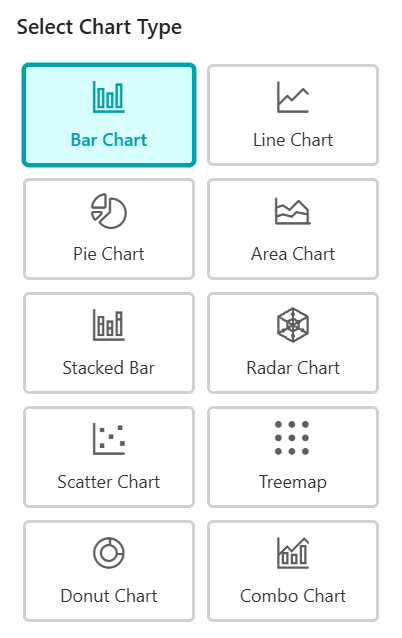
Transforming your SharePoint data into professional visuals is easy with the Business Charts App. This guide will walk you through the entire process.
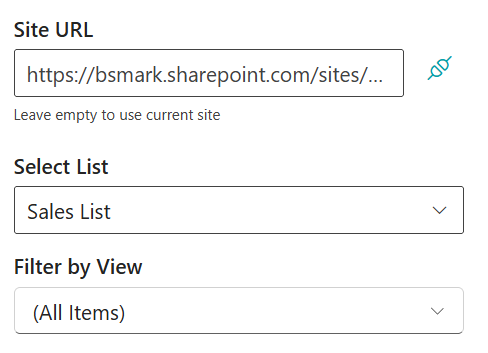
Start by selecting the data source you want to visualize:
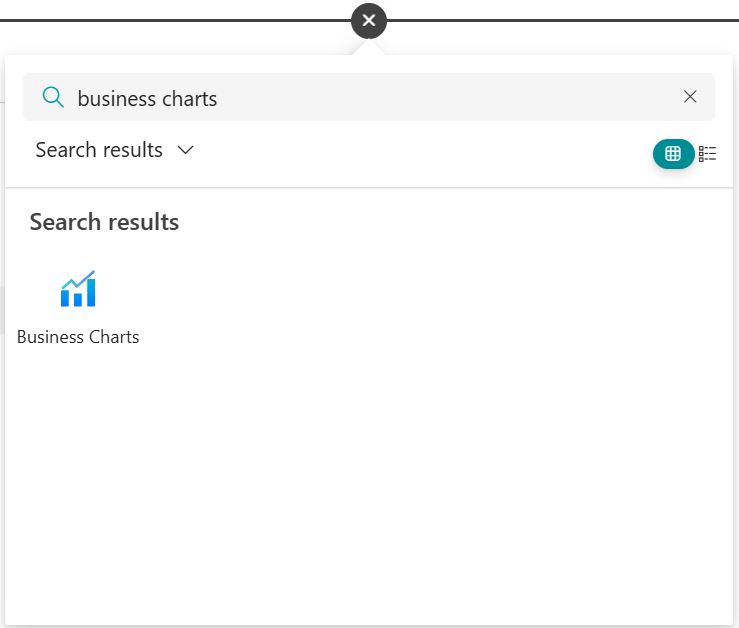
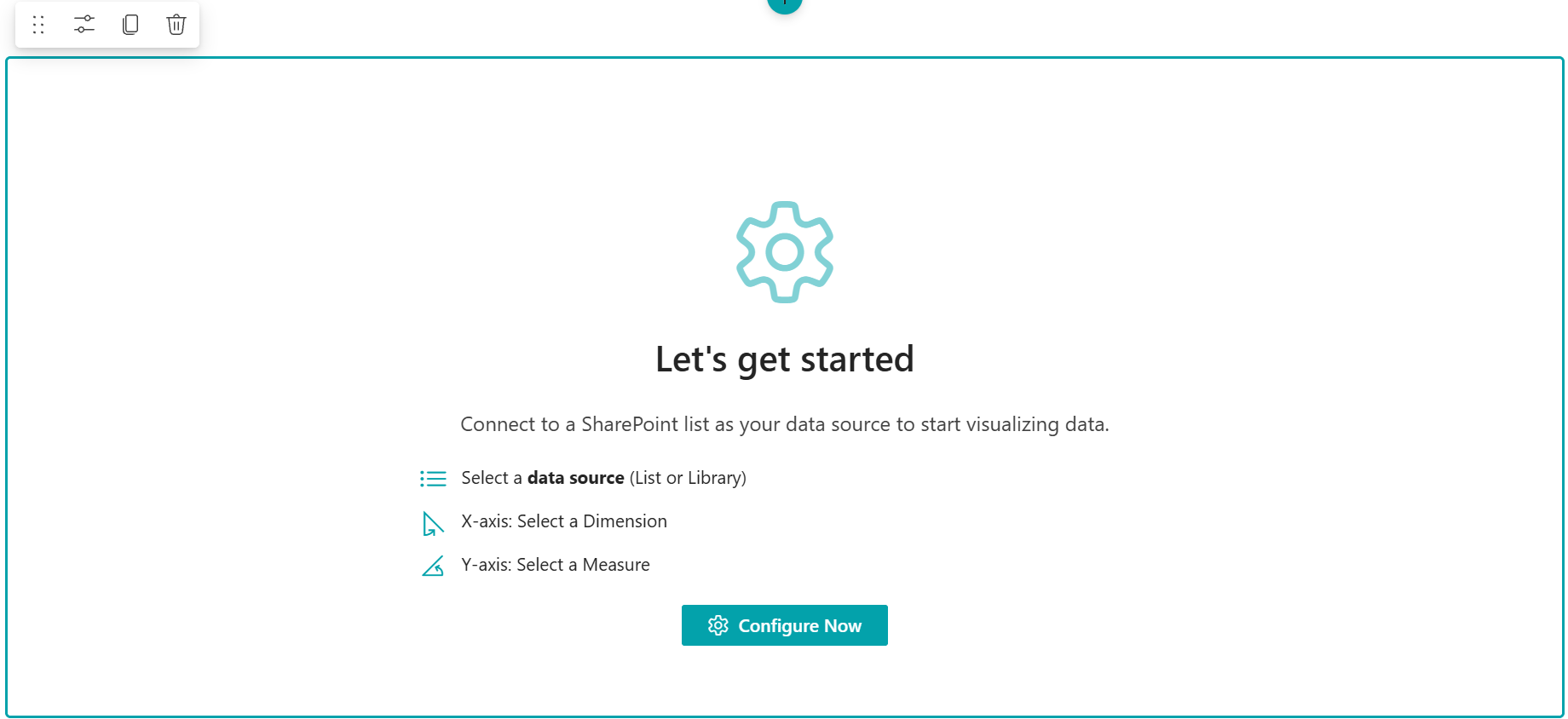
Define how your data is grouped and calculated:
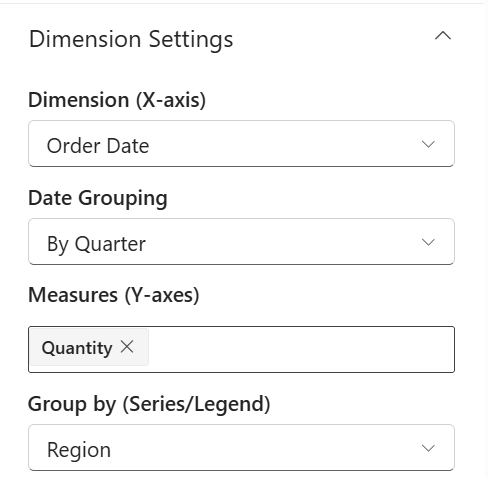
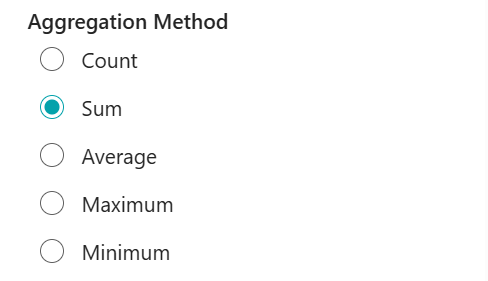
Enhance the visual appeal and readability of your chart:
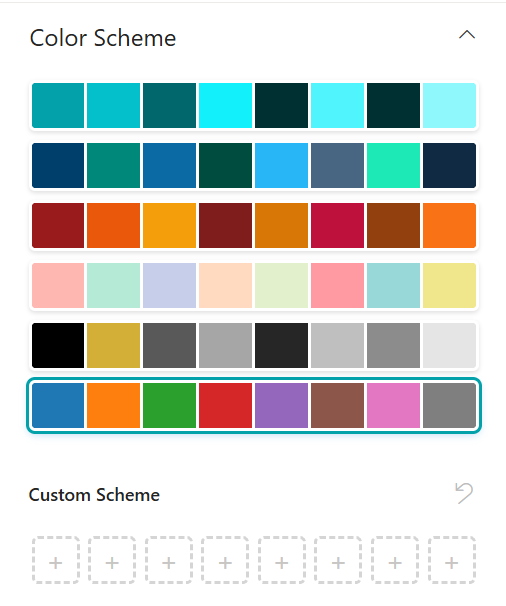
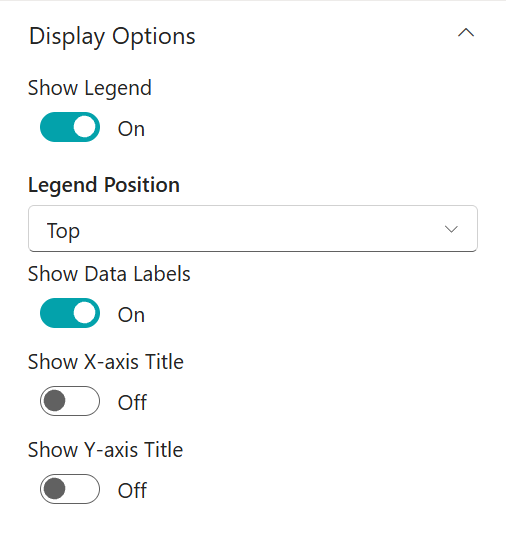
Note: After configuration, ensure you click "OK" at the bottom of the panel and "Publish" the SharePoint page to save your changes.
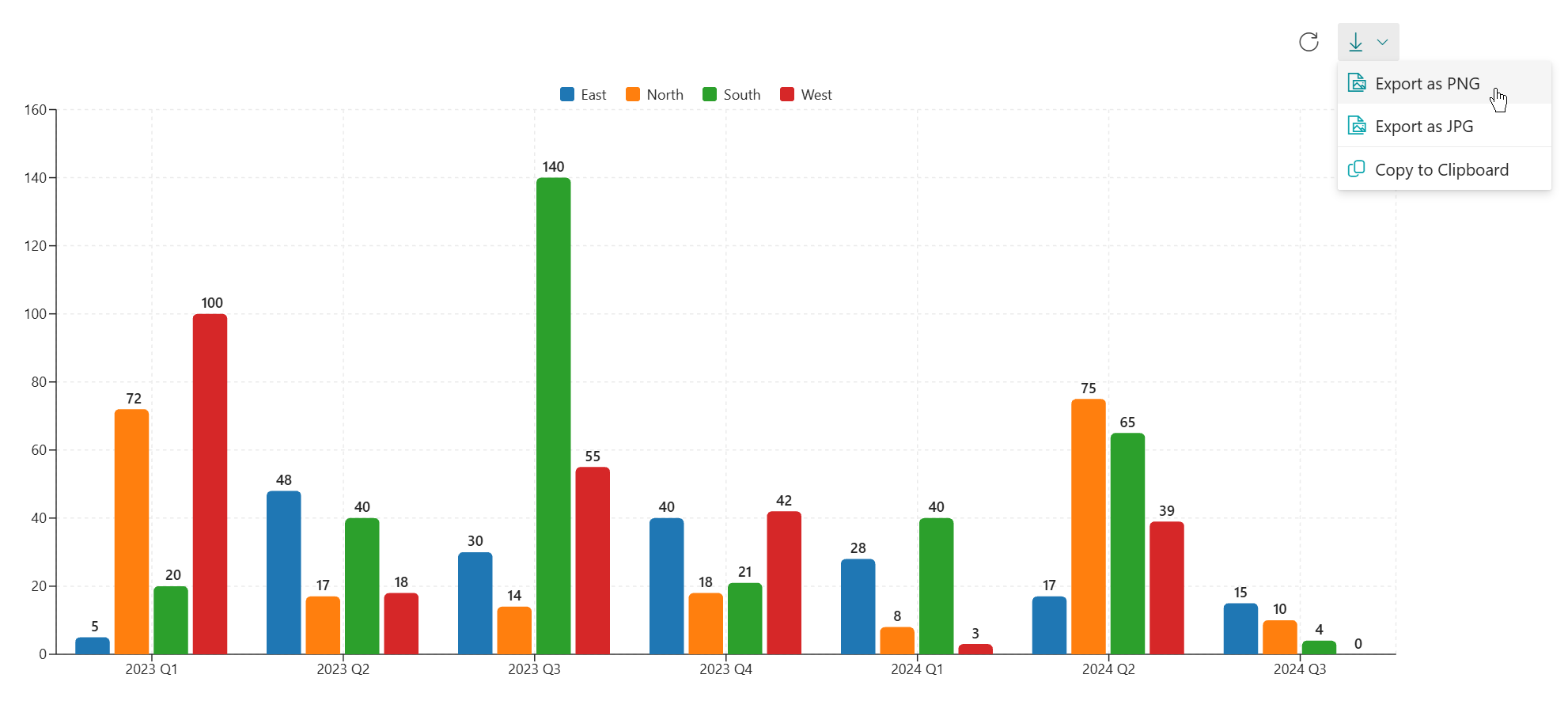
Once published, your chart is fully interactive. You can also export the chart as an image for use in offline reports or presentations.