
- BoostSolutions
-
Products
-
- Microsoft Teams
- HumanLike Alert Reminder
- View All Apps
- Pricing
- Support
- Company
Control text size on your page
Made for easier and more comfortable reading

With one clicks, users can quickly increase or decrease text size on their web page according to their viewing requirements, making text more readable, easier and comfortable on their eyes.
Text Size Zoom Web Part can be added to any SharePoint page according to your needs, giving your users direct control over specific SharePoint page(s) without affecting other pages.
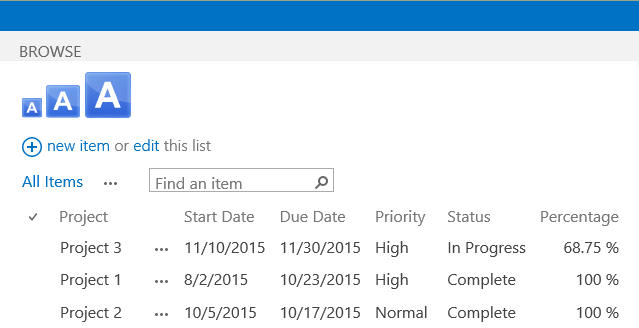
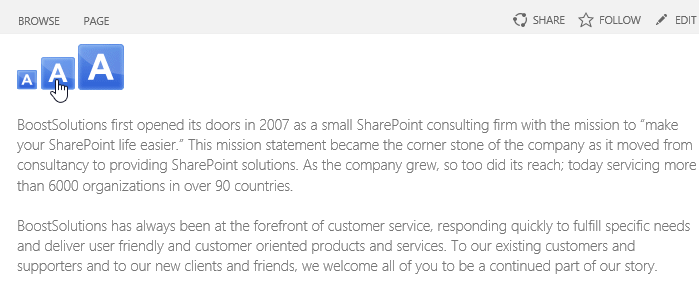
Users can quickly restore text size changed by other users to its original size with one click, making it easier to readjust a page for their viewing preference.
Explore BoostSolutions' product user guides, releases, tutorials, and more.